Mon, Nov 24, 2025
As AI development has grown in popularity, my interest in Python has increased as well. So I decided to summarize how to set up a Python development environment locally.
# install miniconda by brew
$ brew install --cask miniconda# check conda version
$ conda --version
conda 25.7.0
# check conda environment information
$ conda info --envs
# conda environments:
#
base * /opt/homebrew/Caskroom/miniconda/base
ai /opt/homebrew/Caskroom/miniconda/base/envs/ai
# create conda environment
$ conda create --name test python ipykernel
# initialize conda
$ conda init zsh
$ source ~/.zshrc
# activate 'test' environment
$ conda activate test
# deactivate 'test' environment
$ codna deactivate
# remove 'test' environment
$ conda remove --name test --all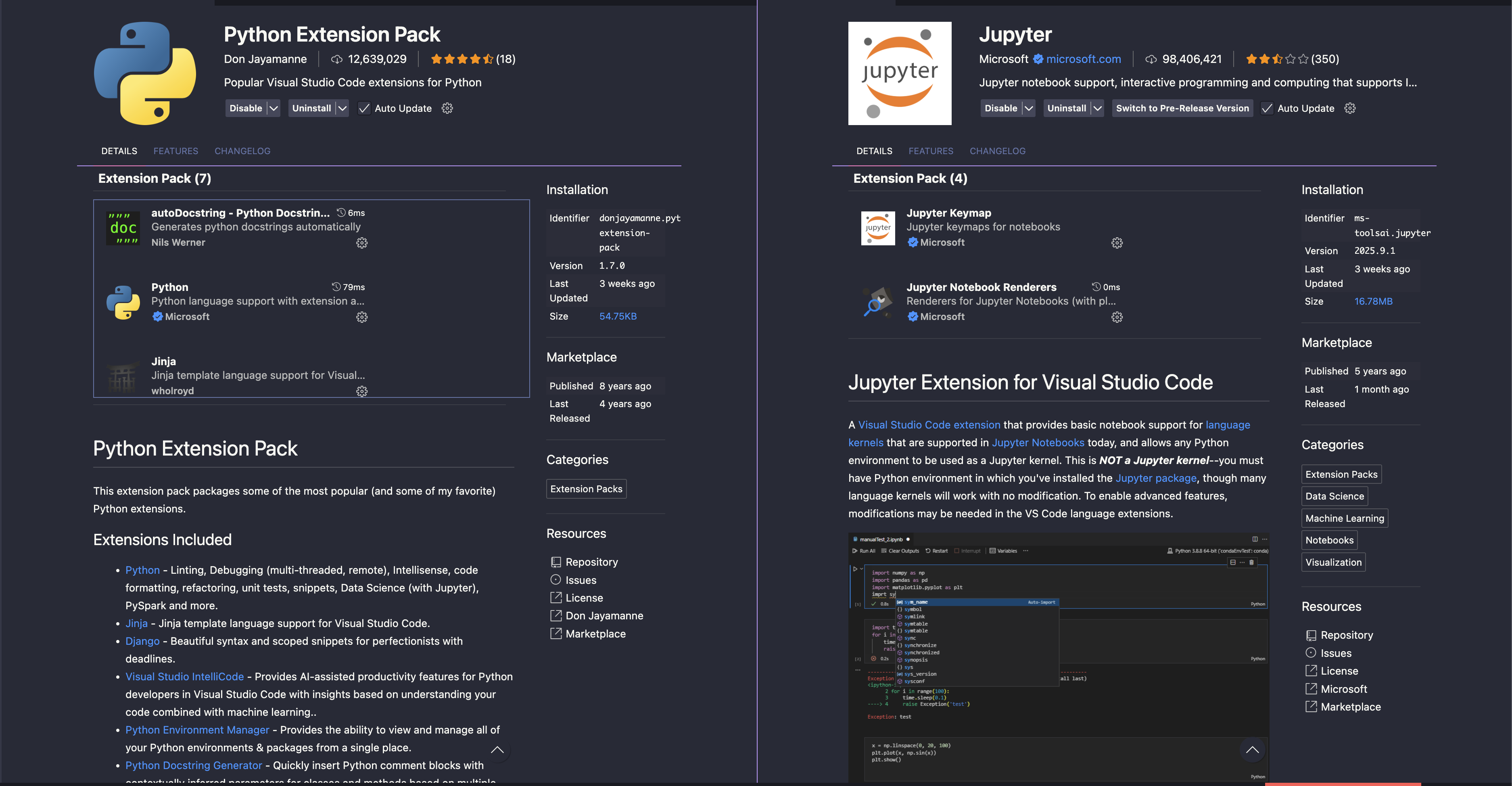
First of all, I strongly recommend you should install two extension packs for VScode.
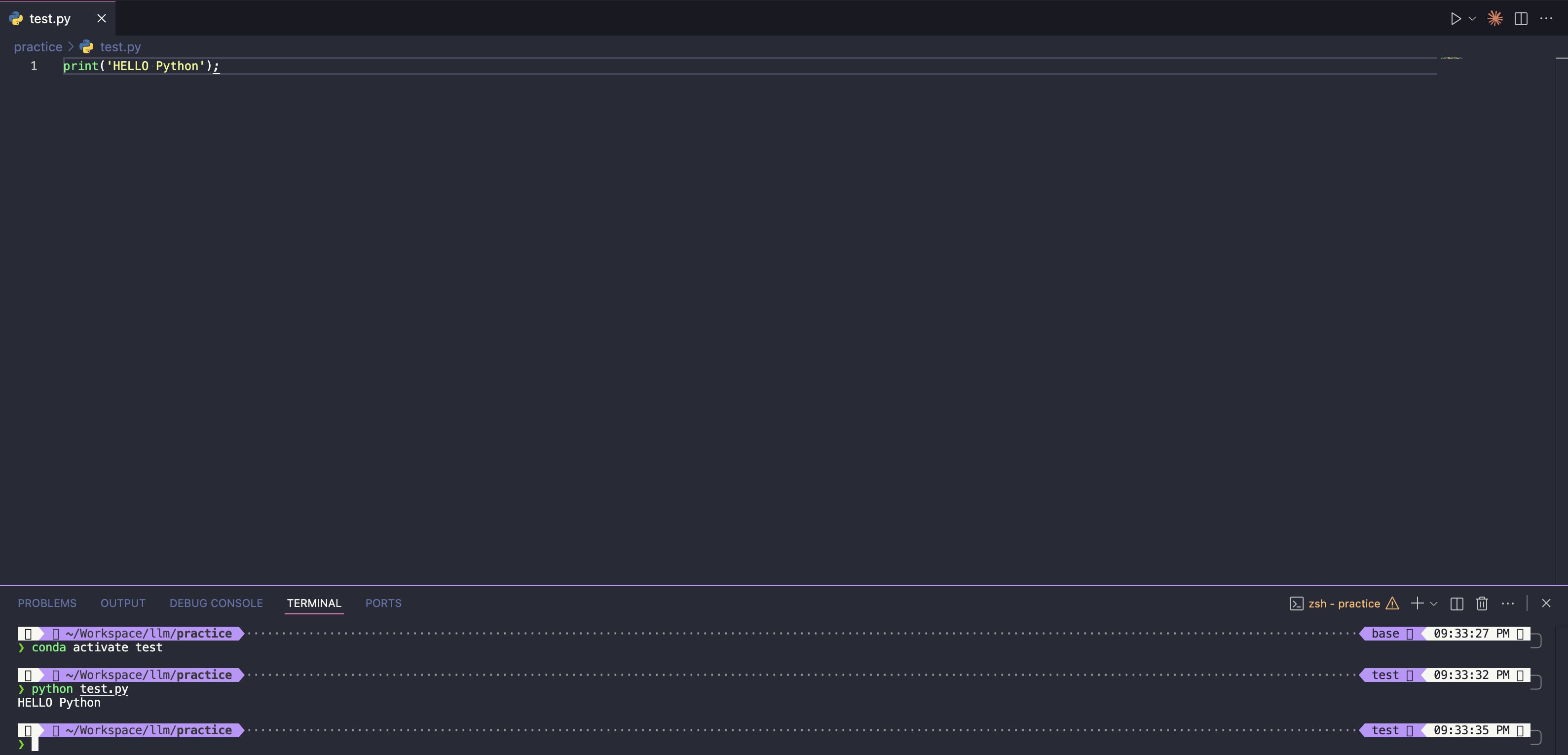
Execute a python file in test conda environment.
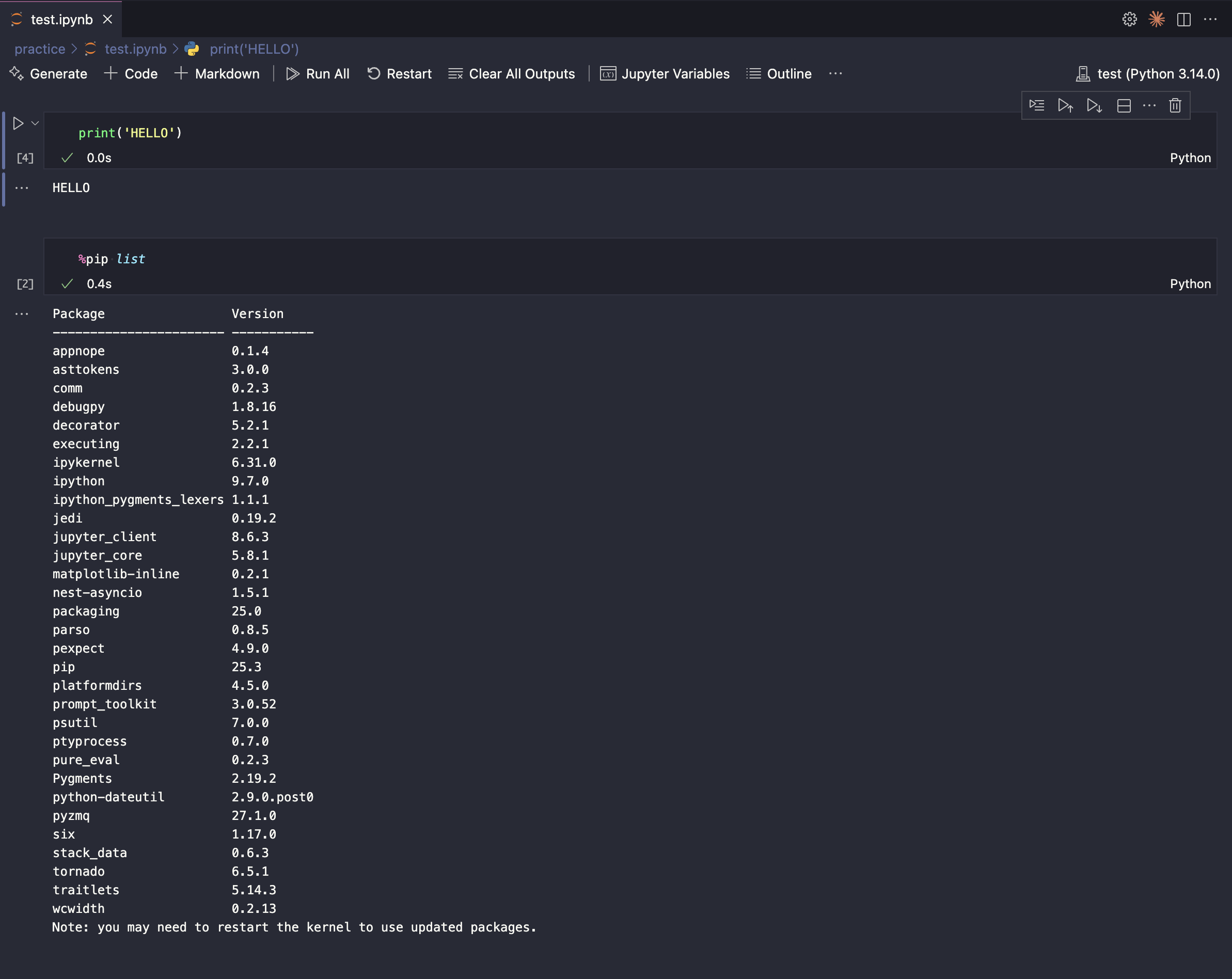
Command + Shift + p -> Select Interpreter -> Select the environment you createdThis is the first step toward developing with LLMs.