Sun, Aug 25, 2024
I'll introduce how to dockerize app application. It's a little hard to learn the process, if you understand it, you will be first step toward DevOps engineer.
First, create a next application before Dockerfile. After that, you have to create a Dockerfile in root folder.
# Initialize next app
$ npx create-next-app@latest
$ yarn add next-runtime-env
$ touch DockerfileTo optimize application, we will config standalone mode in outout.
/** @type {import('next').NextConfig} */
const nextConfig = {
output: 'standalone',
};
export default nextConfig;But there is an issue. Because the server can't find static files, we have to copy .next/static folder in .next/standalone/.next/ in standalone mode. So we have to modify build script.
{
"scripts": {
"build": "next build && cp -r .next/static .next/standalone/.next/",
}
}We will insert environment variables dynamicall into application at runtime. To do that, we have to install next-runtime-env.
$ yarn add next-runtime-env
$ touch .env.development// layout.tsx
import type { Metadata } from "next";
import { PublicEnvScript } from 'next-runtime-env';
import { Inter } from "next/font/google";
import "./globals.css";
const inter = Inter({ subsets: ["latin"] });
export const metadata: Metadata = {
title: "Create Next App",
description: "Generated by create next app",
};
export default function RootLayout({
children,
}: Readonly<{
children: React.ReactNode;
}>) {
return (
<html lang="en">
<head>
<PublicEnvScript nonce={{ headerKey: 'x-nonce' }} />
</head>
<body className={inter.className}>
{children}
</body>
</html>
);
}import { env } from 'next-runtime-env';
import styles from "./page.module.css";
export default function Home() {
return (
<main className={styles.main}>
Hello, {env('HELLO')}
</main>
);
}Now, we will write Dockerfile to create a docker image. To optimize docker image, we will use Multi-Stage builds. It's helpful to reduce image isze.
FROM node:alpine AS base
WORKDIR /app
COPY package.json yarn.lock ./
RUN yarn install --frozen-lockfile
FROM base AS builder
WORKDIR /app
COPY --from=base /app/node_modules ./node_modules
COPY . .
RUN yarn build
FROM base AS runner
WORKDIR /app
COPY --from=builder /app/.next/standalone ./
ENV HELLO KOBE
EXPOSE 3000
CMD [ "sh", "-c", "node server.js" ]Don't forget to assign key and value on ENV
# Create docker image
$ docker build -t myweb .
# Create a container from myweb image and remove the container after exit from the container.
$ docker run --rm -d -p 3001:3000 myweb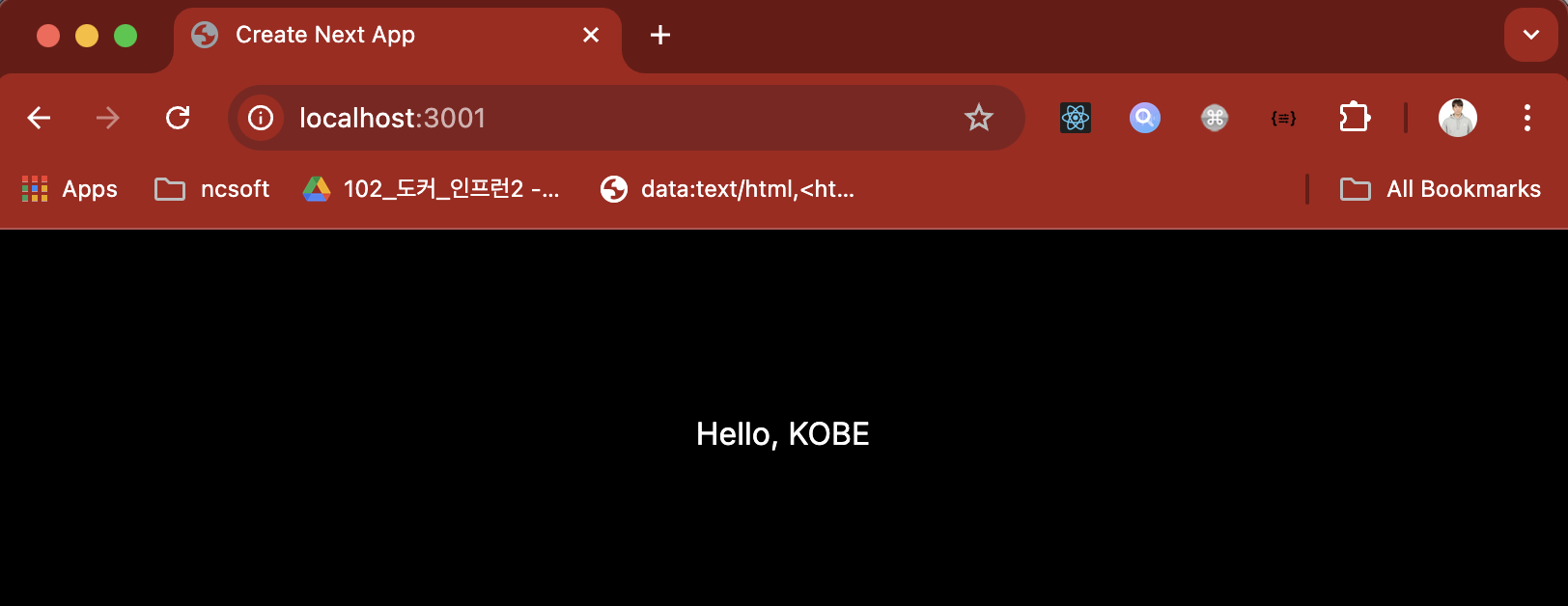
Finally, It's completed to run container using Dockerfile. But if we use docker-compose.yml, follow the below.
# docker-compose.yml
version: '3'
services:
web:
container_name: test-app
build:
context: .
dockerfile: Dockerfile
ports:
- "3001:3000"
environment:
- HELLO=KOBEVINOEven though an environment variable is allocated in Dockerfile, we can override the environment variable in docker-compose.yml.
# create image and run container
$ docker-compose up -d
# remove container
$ docker-compose down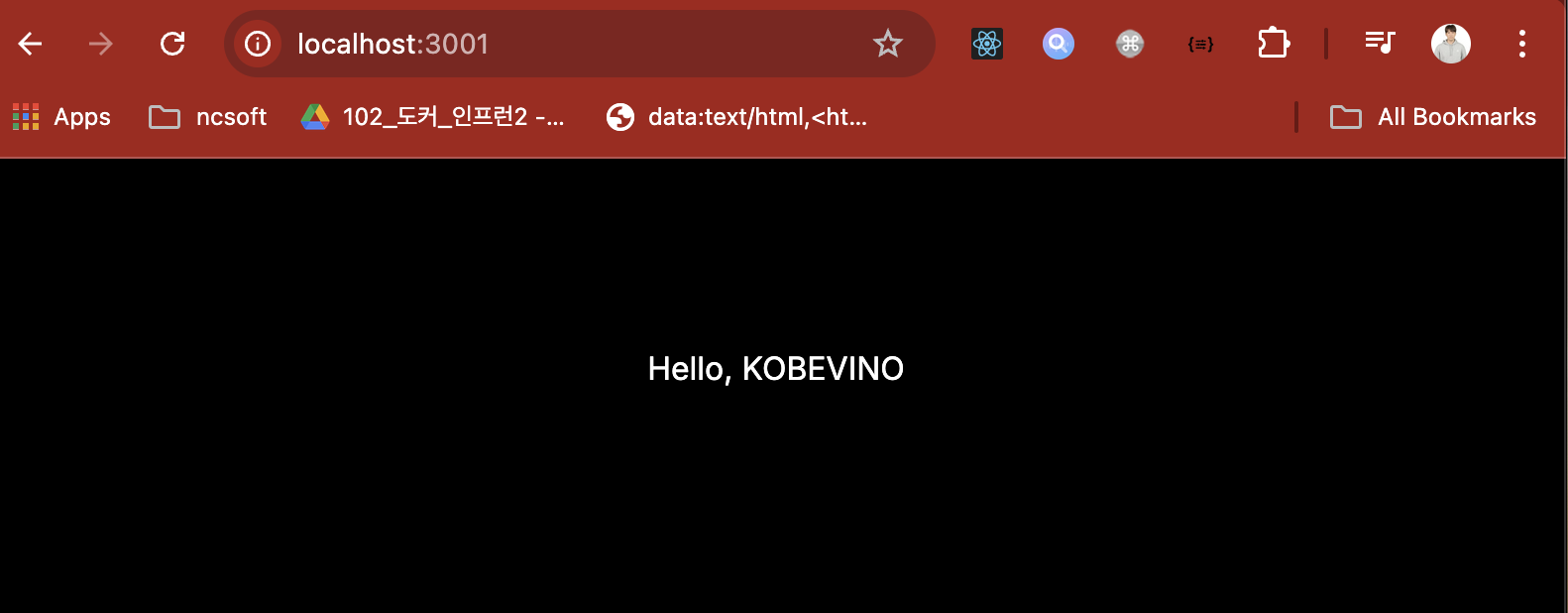
I had a fun weekend this weekend, with Docker. Time flies. It's night. I have to go to work tomorrow. But I think it's meaningful weekend.