Sun, Aug 18, 2024
I'll summarize the process to create EC2 instance.
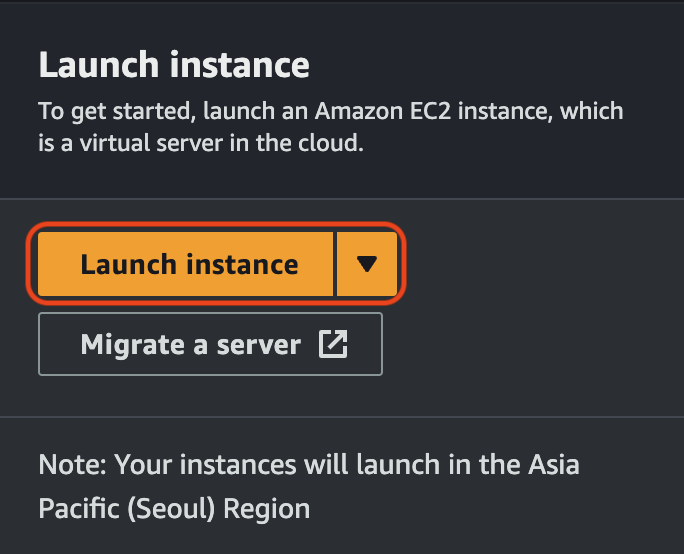
First, let's create an instance. Click the button in the image above and then we have to handle some options to launch an instance. Even though there are some complicated options, I'll tackle the things I need.
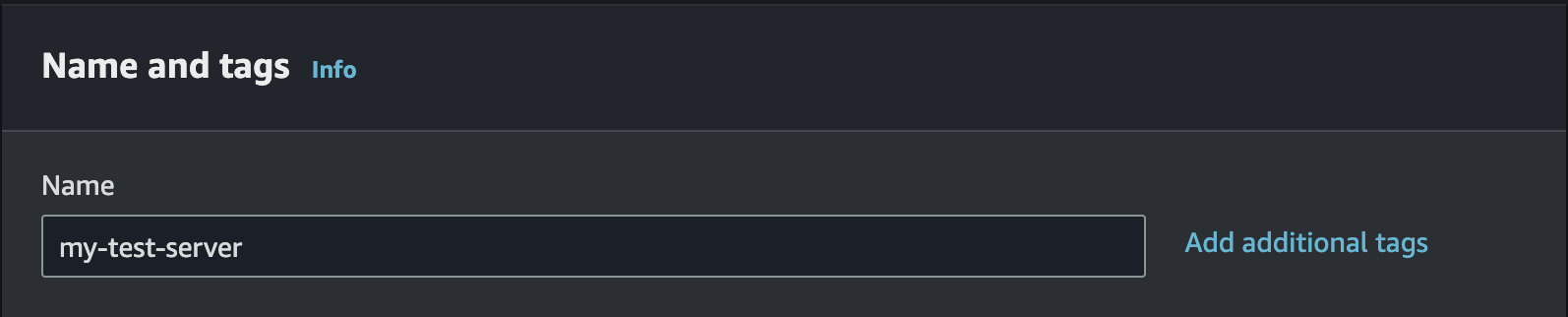
Input a name of the instance.
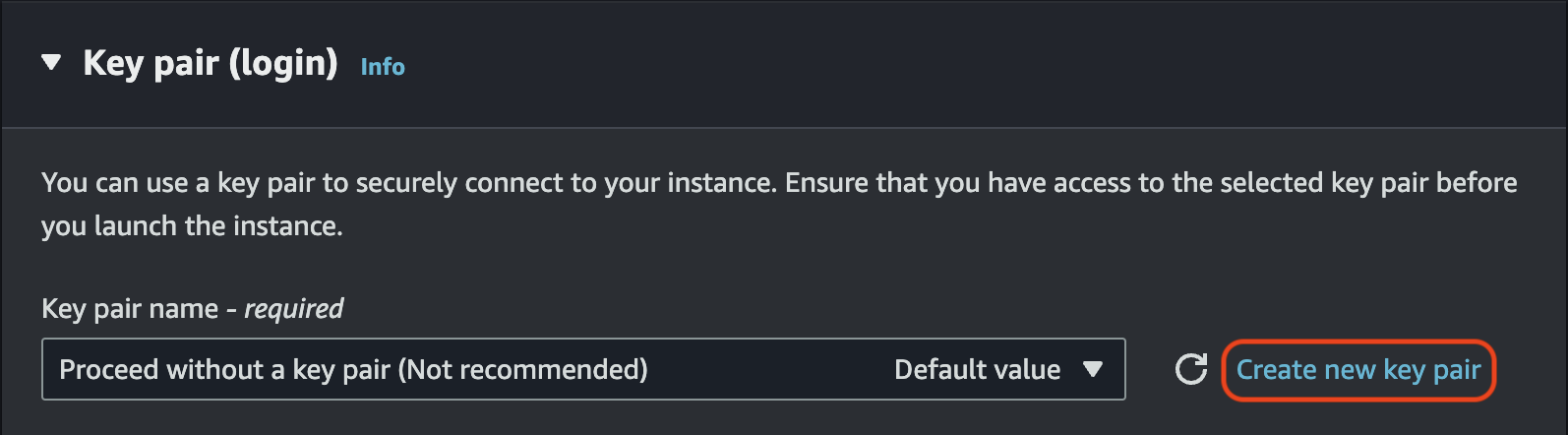
AWS recommends we should use key pair to securely connect to your instance.
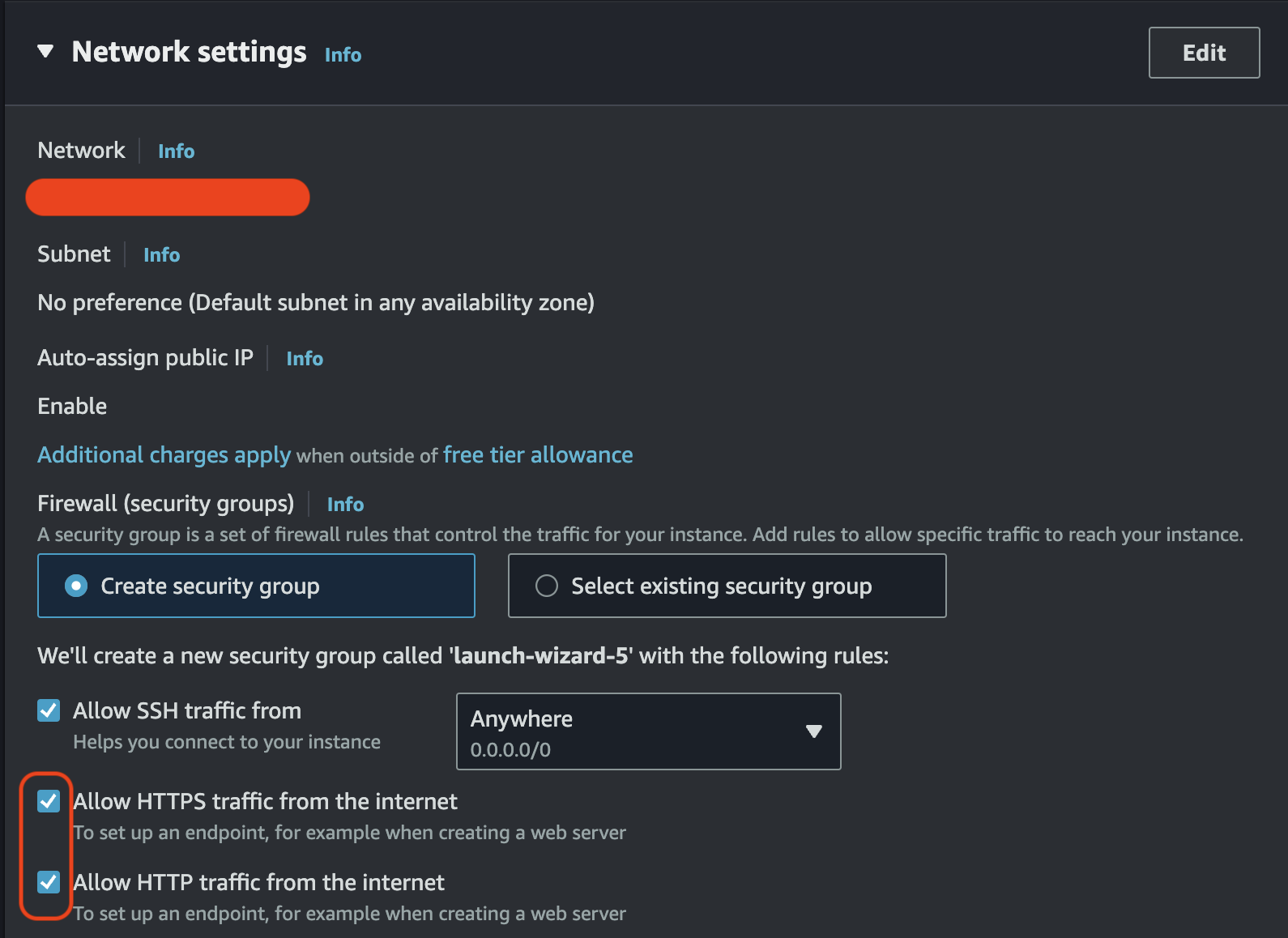
Don't forget to check two options.


We created a new instance. But we have an issue with Public IPv4 address. Whenever we stop the instance and start it again, the IP address will be changed.
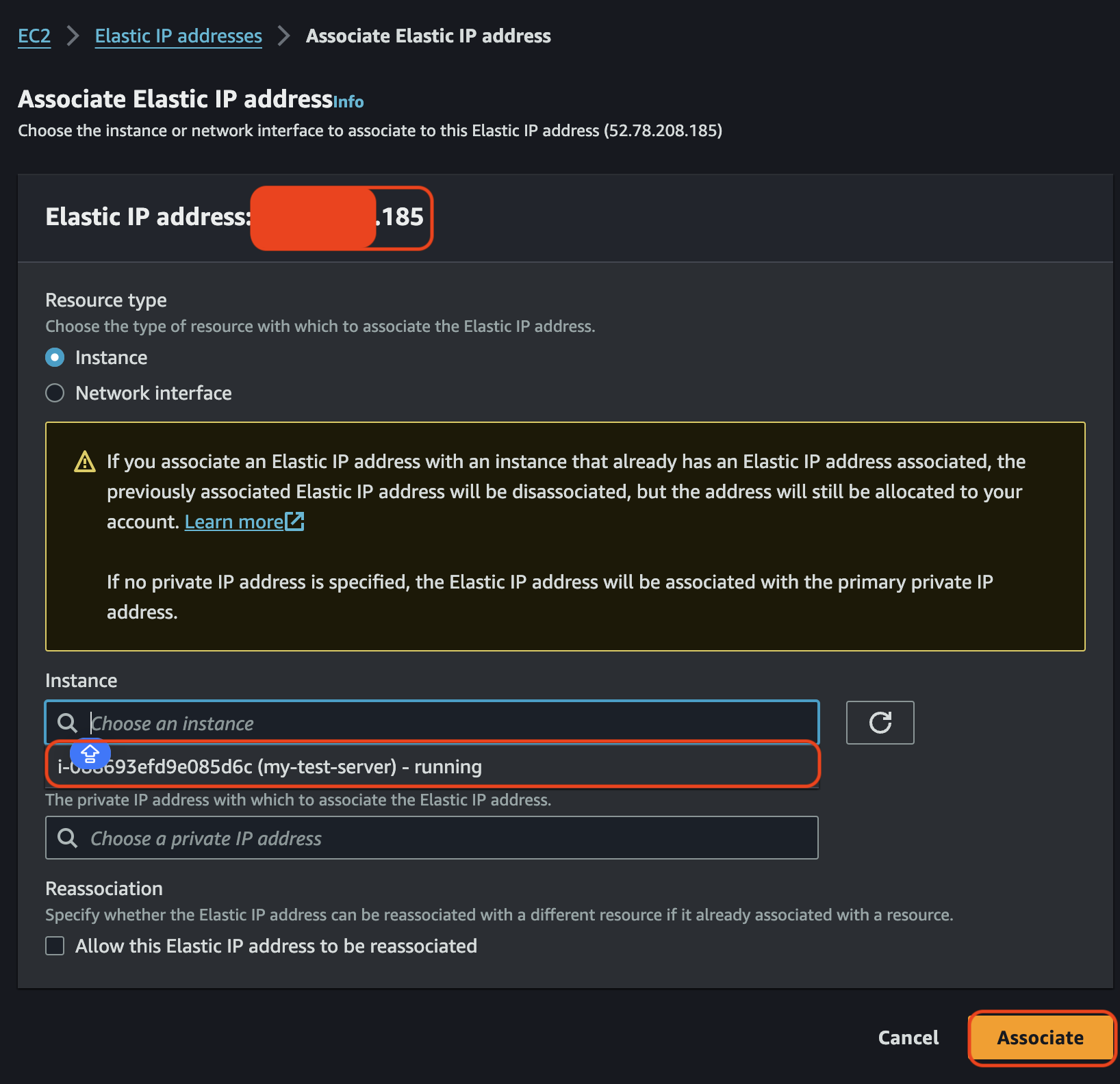

As you see, you can see the ip address that changed. Let's connect to the instance.
$ ssh -i 'your-key-pair.pem' ec2-user@your-elastic-ip-or-public-ipv4-dnsYou have to locate your pem file to current path.
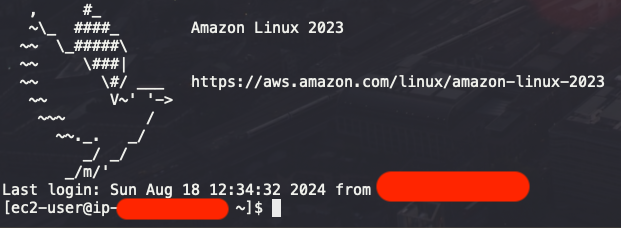
You can connect to your instance. Let's install nginx and start the nginx server.
# install nginx
$ sudo yum install nginx
# run nginx
$ sudo systemctl start nginx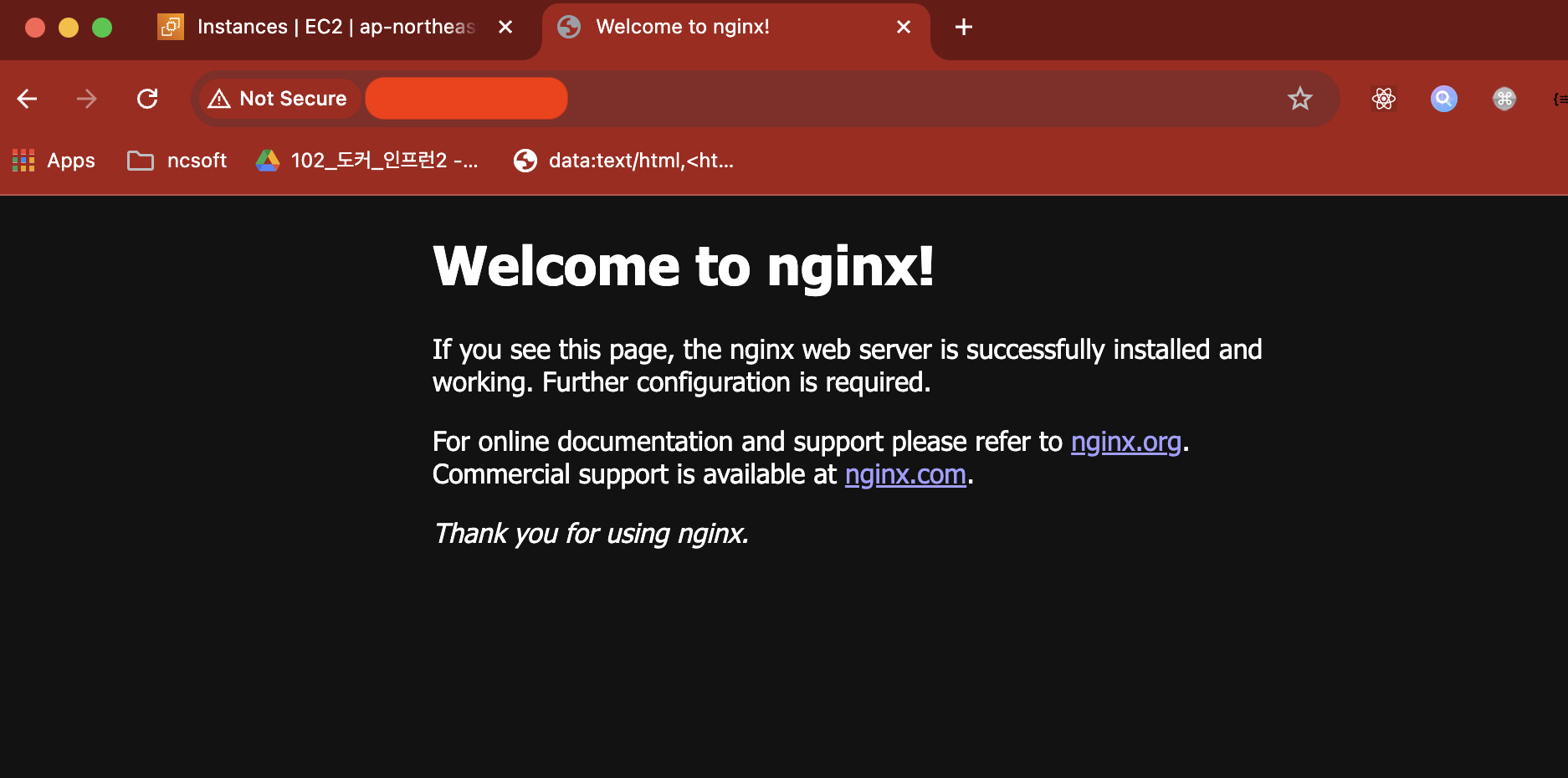
I posted about the process to launch an instance, connect to the instance and run nginx server. I hope it will be helpful for aws newbies.